 Portia
01
The Stalk
Silent observation
Portia installs as a macOS Launch Agent and waits — listening to system signals, not polling. Zero CPU until something moves.
Stop spinning webs of lsof. Portia stalks, traps and strikes the process blocking your port — in one click.
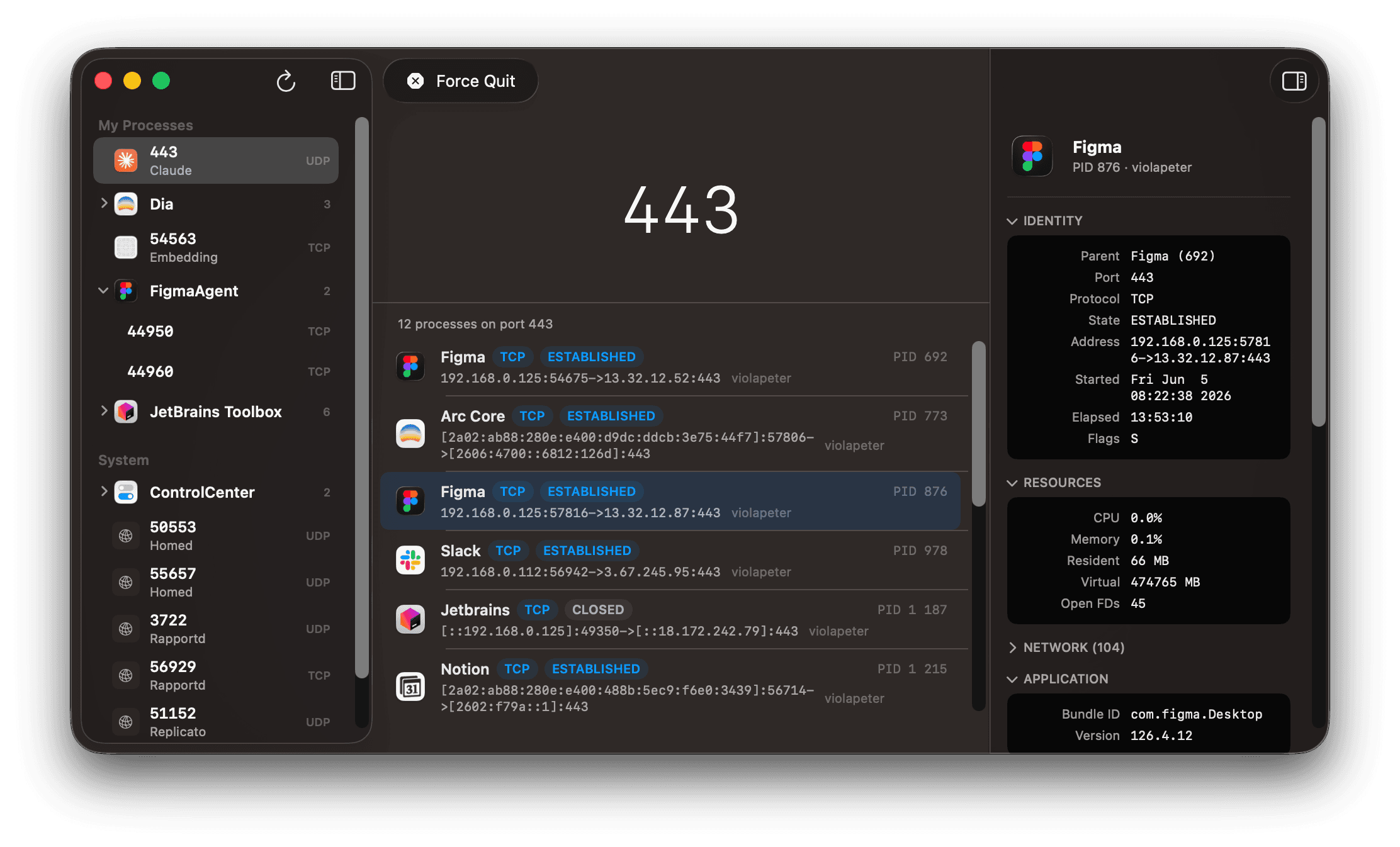
A real Portia spider stalks for hours, plans the perfect angle, then strikes in a single leap. Your terminal deserves the same discipline.
Portia installs as a macOS Launch Agent and waits — listening to system signals, not polling. Zero CPU until something moves.
The instant a process crashes with a port collision, Portia identifies the offender, the PID, and the exact socket holding the port hostage.
A native notification slides in. Click Strike and the blocking process is gone. No terminal, no lsof, no fumbling.
Lightweight, native, and unintrusive. Portia respects your machine the way the spider respects its prey — patiently, efficiently, lethally.
Event-driven Launch Agent. Sleeps until a port collision actually happens.
Single signed and notarized binary, built exclusively for macOS 26 Tahoe and later.
No .zshrc edits, no plugins, no shell hooks. Install and forget.
Free your ports the way nature intended — with intelligence, not brute force.